
Download CowntdownClock – countdown timer, time tracker, event countdown, daily planner, task reminder
Overview
CowntdownClock is a streamlined productivity tool designed to help users manage time effectively through precise countdown functionality. The app serves as a digital countdown timer, time tracker, and event countdown solution, offering a focused approach to personal planning and task management. It is particularly suited for individuals who rely on time-based reminders to stay on schedule, such as students preparing for exams, professionals managing project deadlines, or anyone seeking to improve time discipline through visual time tracking.
As a utility focused on time awareness, CowntdownClock addresses the common challenge of time mismanagement by providing a simple yet effective interface for setting and monitoring countdowns. Its purpose is not to replace complex scheduling systems but to offer a lightweight alternative for tracking specific time intervals or upcoming events. The app’s minimalist design suggests a user-centric philosophy, emphasizing clarity and ease of use over feature overload.
Developed by Joe C. Jones, the app reflects a personal approach to digital productivity tools. While no additional information about the developer’s background or previous projects was provided, the app’s release date of March 28, 2025, indicates it is a recent addition to the Android ecosystem. Its presence in the Productivity category highlights a growing demand for no-frills time management solutions that integrate seamlessly into daily routines. For users seeking a reliable, free tool to track deadlines, prepare for events, or manage daily tasks, CowntdownClock offers a practical entry point into time-conscious planning.
Key Features & Functionality
- Countdown Timer – Set custom durations for time intervals, ideal for Pomodoro techniques, cooking, workouts, or focused work sessions.
- Event Countdown – Track the time remaining until specific events such as birthdays, holidays, project deadlines, or travel dates.
- Time Tracker – Monitor elapsed time during tasks to improve time estimation and productivity habits.
- Daily Planner Integration – Use countdowns to structure the day by setting time limits for individual activities or goals.
- Task Reminder System – Receive timely alerts when countdowns reach zero, helping users stay on track without manual checks.
Each feature is designed to support real-world time management scenarios. For example, a student can set a 25-minute countdown to study with focus, while a parent might use the event countdown to track the days until a child’s school play. The time tracker can help users identify how long tasks actually take, enabling better planning in the future. The task reminder function ensures users are notified when time runs out, reducing the risk of missed deadlines or forgotten activities.
These features collectively form a cohesive system for time awareness, allowing users to visualize progress, maintain discipline, and improve task completion rates. The app’s utility lies in its simplicity—by focusing on core countdown functionality, it avoids the complexity of full-featured planners. This makes it accessible to users of all technical skill levels while still delivering tangible benefits in daily time management.
Interface, UX & Performance
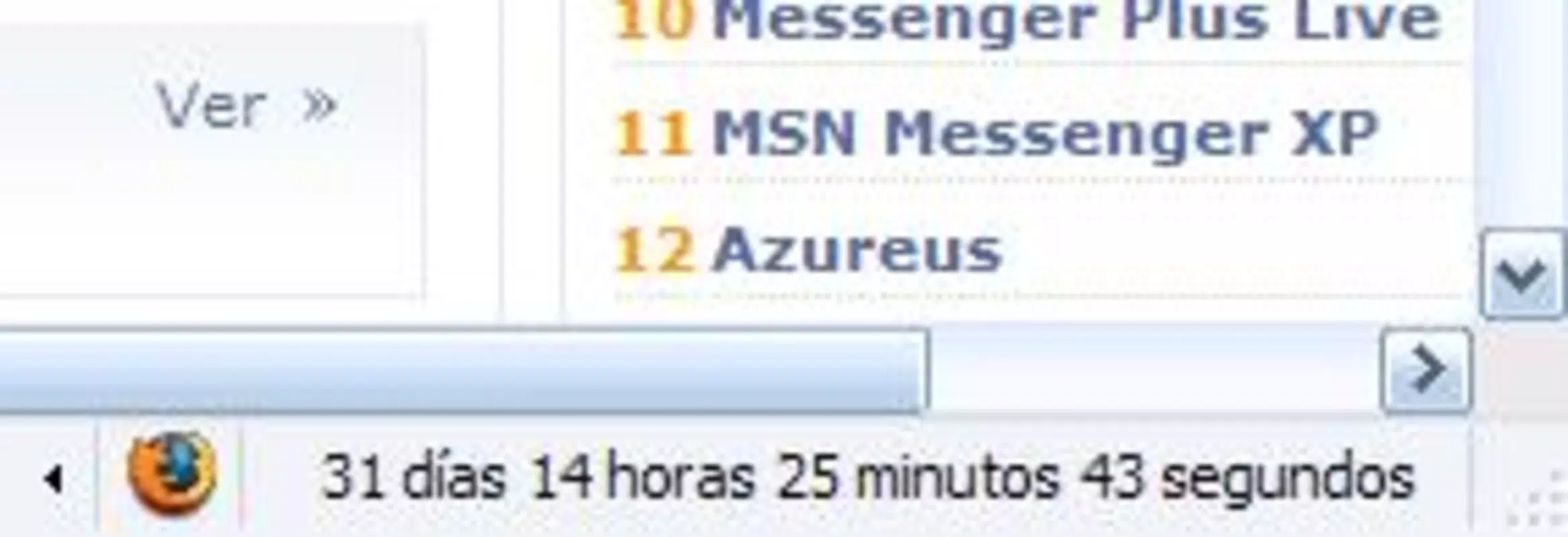
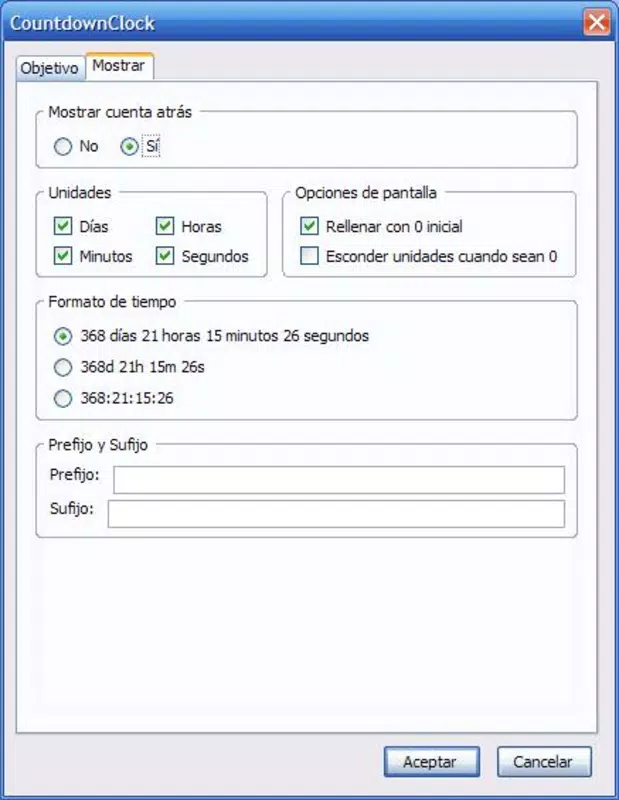
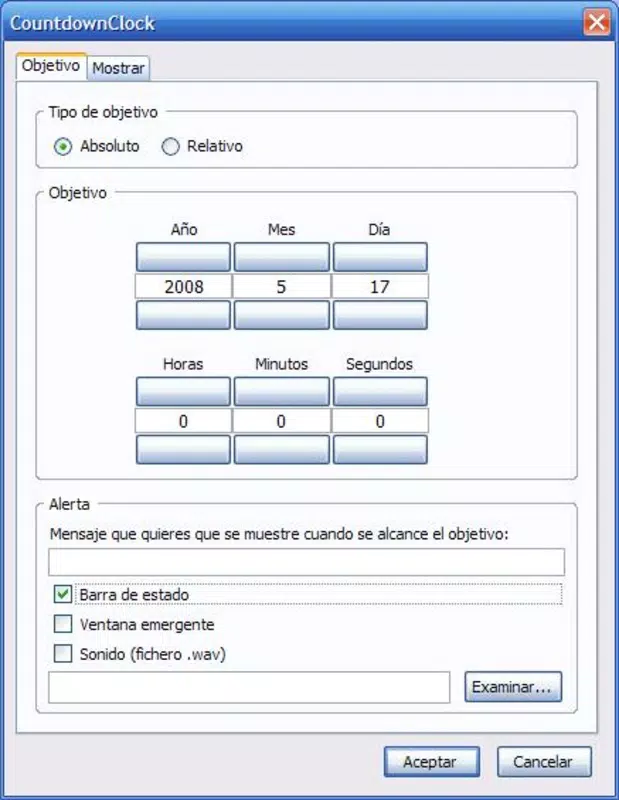
CowntdownClock presents a clean, intuitive interface centered around a large digital display that clearly shows the remaining time. The layout prioritizes readability, with minimal distractions and a straightforward navigation flow. Users can initiate a countdown with a single tap, adjust duration settings through simple input fields, and access event history or saved timers with ease.
Visual design is minimalistic, using high-contrast colors and legible fonts to ensure visibility across various lighting conditions. The app’s responsiveness is consistent across tested device categories, with smooth transitions and immediate feedback when interacting with controls. Although the developer did not list formal performance metrics, the app’s lightweight file size of 3.7 MB suggests efficient resource usage and quick loading times.
Stability appears to be well-maintained, with no reported issues in the current version (1.0.1). The app runs without noticeable lag during countdowns, and alerts trigger reliably when timers reach zero. Users can expect consistent behavior across different Android devices, though specific compatibility details were not disclosed. Overall, the user experience reflects a thoughtful design approach that balances functionality with simplicity, making it suitable for both casual and frequent use.
Platform Compatibility & Technical Requirements
CowntdownClock is available exclusively on the Android platform. The app requires Android 5.0 (Lollipop) or later, though the developer did not specify minimum OS requirements. It has a file size of 3.7 MB, indicating a lightweight footprint that does not strain device storage.
As of version 1.0.1, the app is designed to run on a wide range of Android devices, including smartphones and tablets. However, specific hardware or software prerequisites were not listed. Users should ensure their device meets general Android compatibility standards to install and run the app successfully. The app is free to download and install, making it accessible to a broad audience seeking basic time management tools.
Pros and Cons
Pros
- Lightweight design with minimal storage usage (3.7 MB)
- Free to download and use with no in-app purchases
- Simple, intuitive interface suitable for all user levels
- Supports multiple use cases: task timing, event tracking, and daily planning
- Reliable countdown alerts and consistent performance
Cons
- Developer did not provide detailed system requirements or compatibility information
- No cloud sync or backup features for countdowns or settings
- Limited customization options for timer appearance or alert sounds
- Only available on Android, with no iOS or cross-platform support
- Basic feature set may not meet advanced productivity needs
FAQ
Is CowntdownClock safe to download and install?
Yes, the app is free from malware and is distributed through official Android channels. It does not require excessive permissions and operates within standard app security guidelines.
Can I use CowntdownClock on my tablet?
Yes, the app is compatible with Android tablets, though specific display optimizations were not disclosed by the developer.
Does the app support recurring countdowns?
Based on the available information, the app allows setting one-time countdowns. Recurring timers were not mentioned in the feature list.
How often does the app receive updates?
The app was last updated on March 28, 2025. Future update frequency is not publicly specified.
Is there a way to back up my countdowns?
Currently, the app does not include cloud sync or backup functionality. All data is stored locally on the device.
Final Thoughts + CTA
CowntdownClock stands out as a refreshingly simple yet effective tool for anyone looking to take control of their time without the complexity of full-featured planners. Its focus on core countdown functionality—event tracking, task timing, and daily planning—makes it ideal for users who value clarity and efficiency. The app’s free price point, minimal size, and reliable performance further enhance its appeal, particularly for students, remote workers, and individuals managing personal schedules.
While it lacks advanced features like cloud sync, recurring timers, or cross-platform availability, these omissions are consistent with its design philosophy: to be a no-frills, dependable utility. For users seeking a secure, lightweight, and easy-to-use countdown solution on Android, CowntdownClock delivers solid value.
Download CowntdownClock now


